LaunchHER By GEM Studio is Live! Cohort 1 applications currently closedUnlock your exclusive VIP Loyalty Card todayLaunch a high-converting store nowSubmit your custom software request hereCreate your private portal account todayExplore our business packagesLaunchHER By GEM Studio is Live! Cohort 1 applications currently closedUnlock your exclusive VIP Loyalty Card todayLaunch a high-converting store nowSubmit your custom software request hereCreate your private portal account todayExplore our business packagesLaunchHER By GEM Studio is Live! Cohort 1 applications currently closedUnlock your exclusive VIP Loyalty Card todayLaunch a high-converting store nowSubmit your custom software request hereCreate your private portal account todayExplore our business packages
Gem Kids Icon

Gem Kids

Version 1.0

The Interactive Encyclopedia for Young Minds

4.9 • Educational
Launch Web App

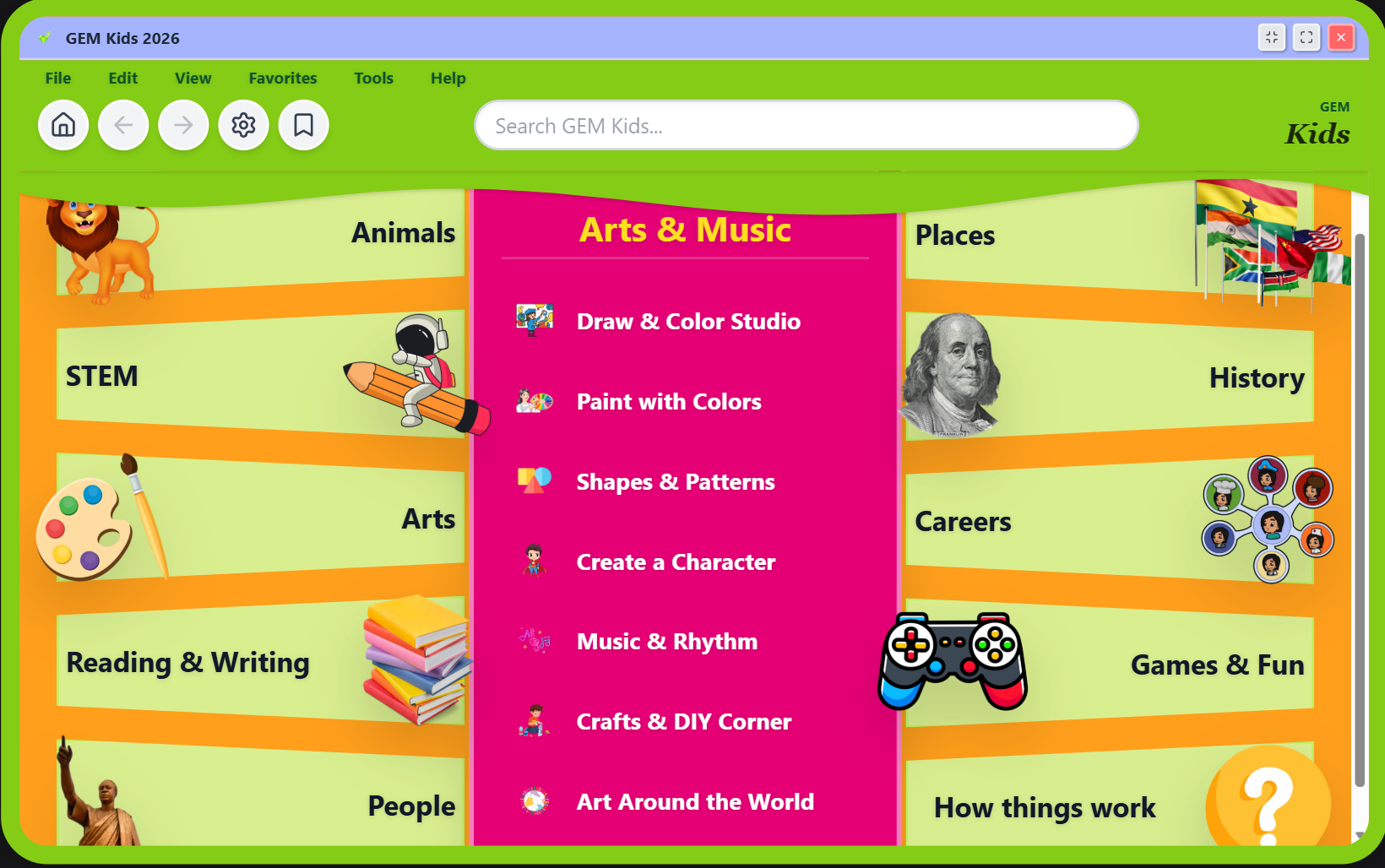
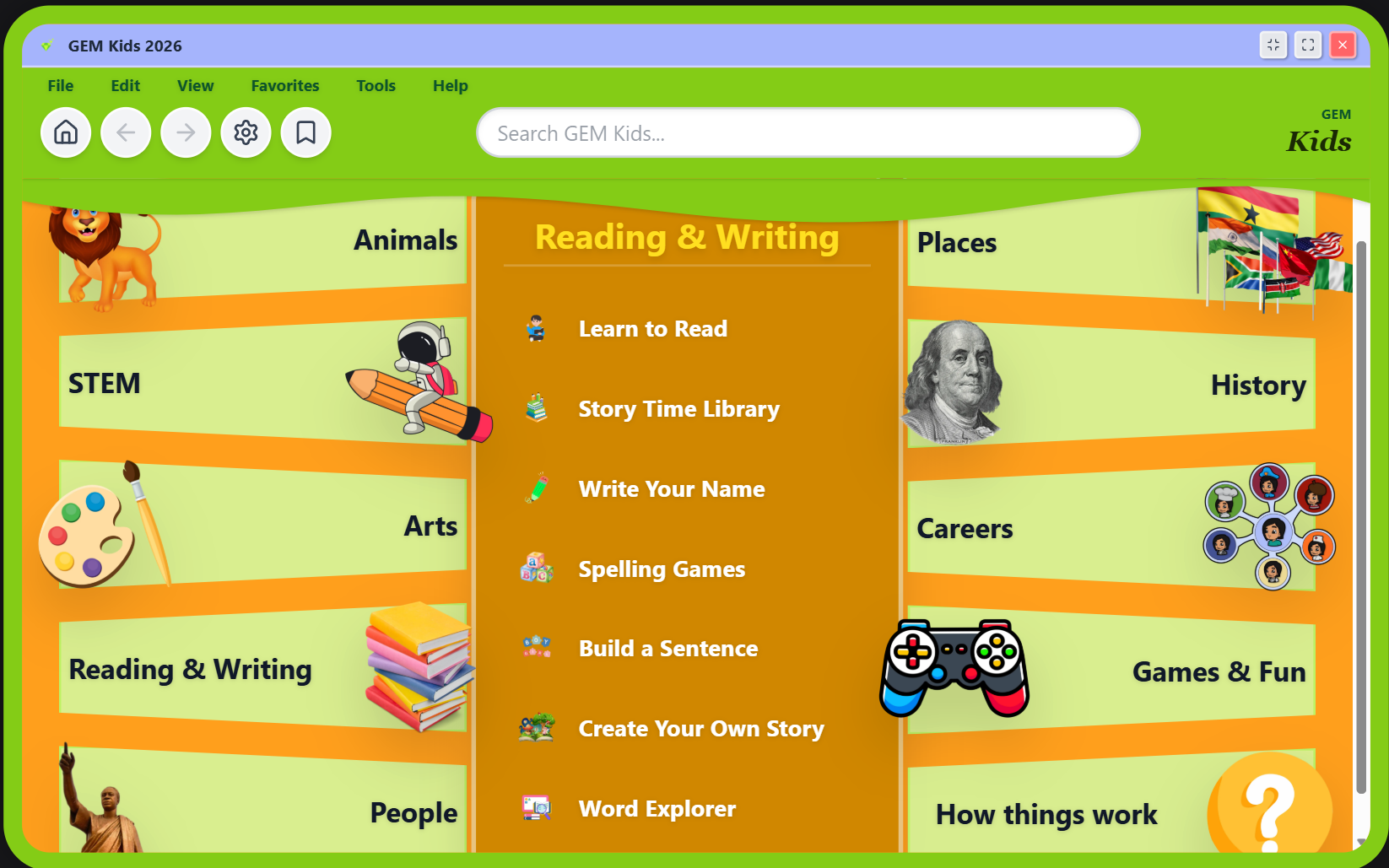
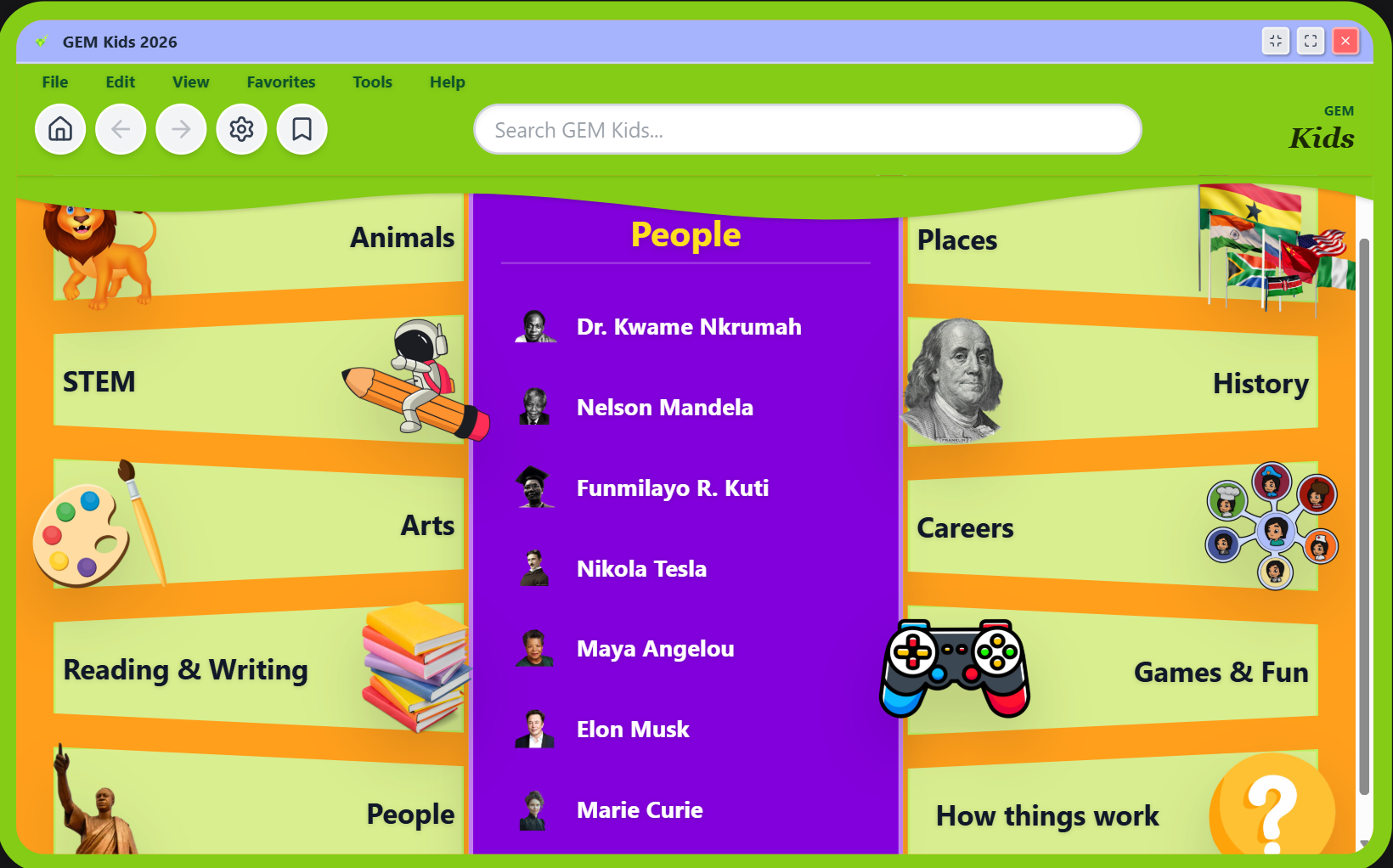
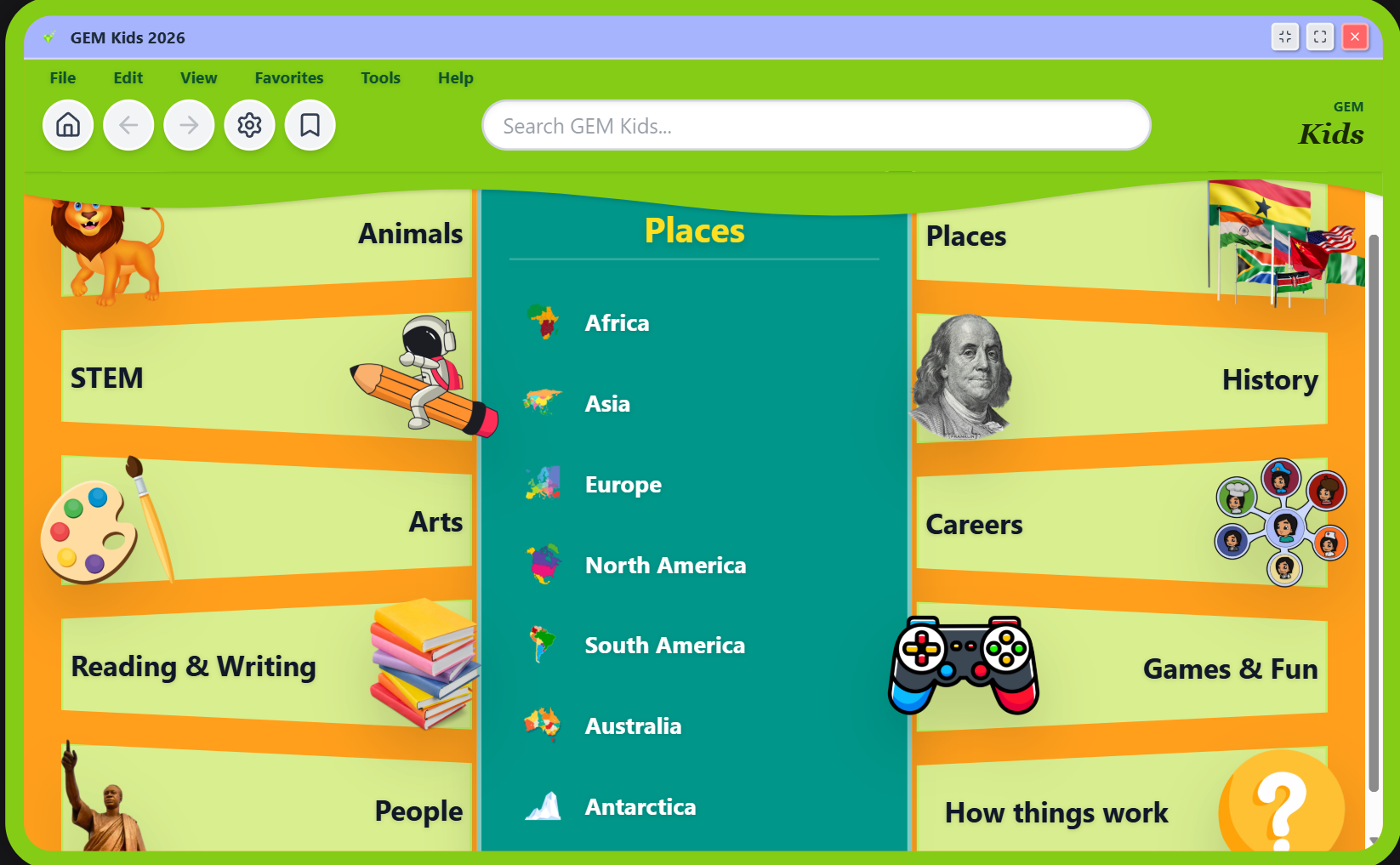
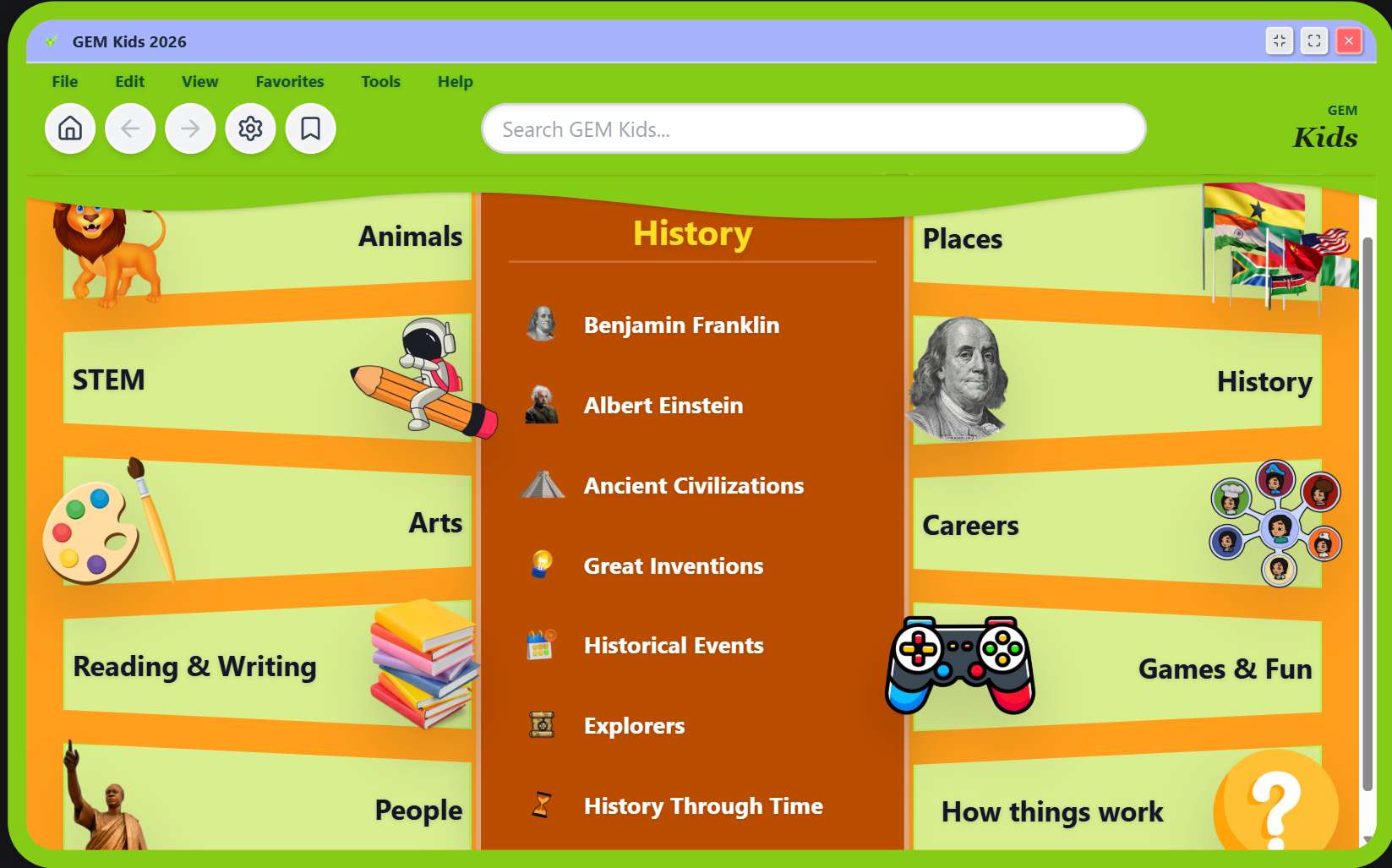
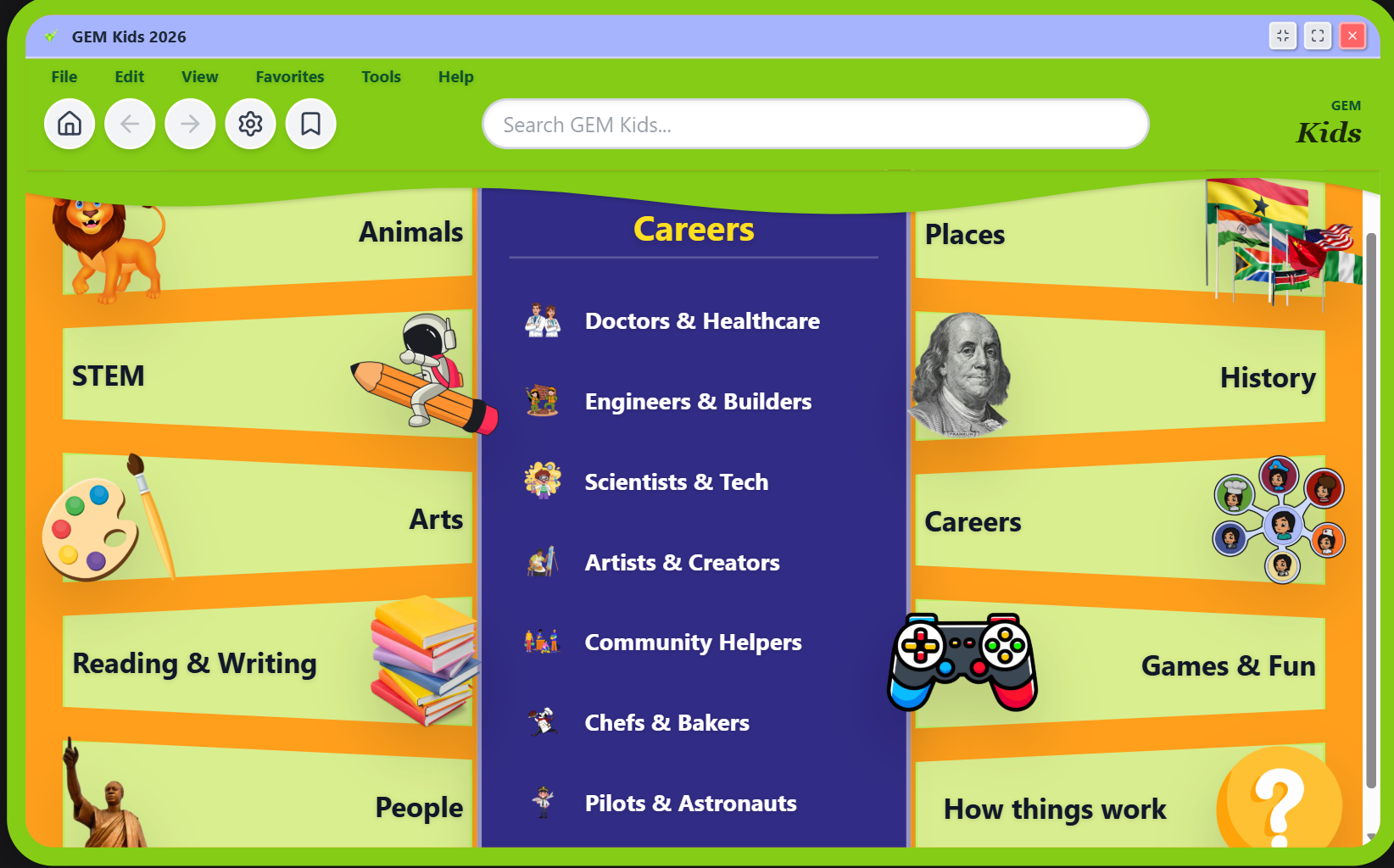
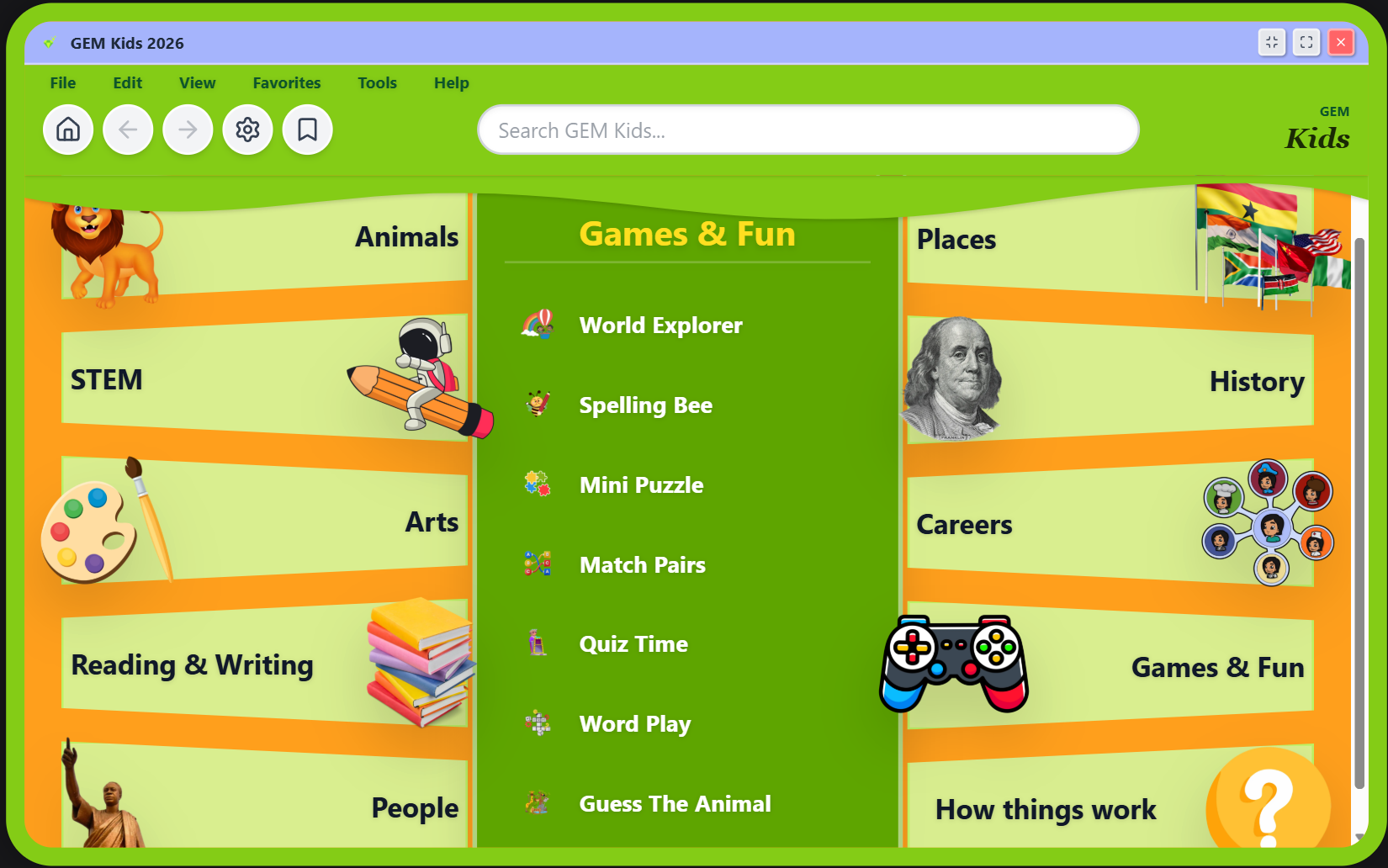
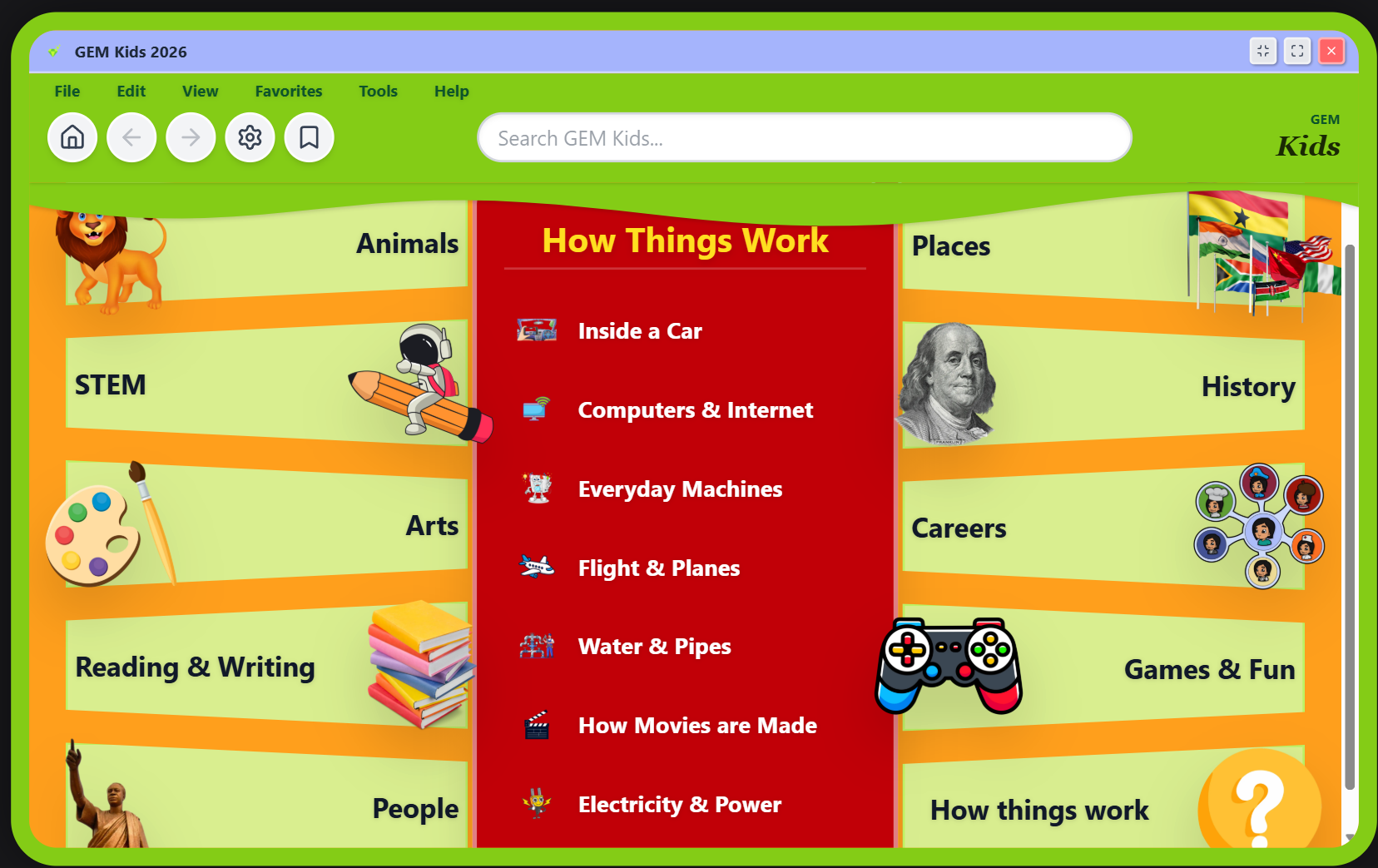
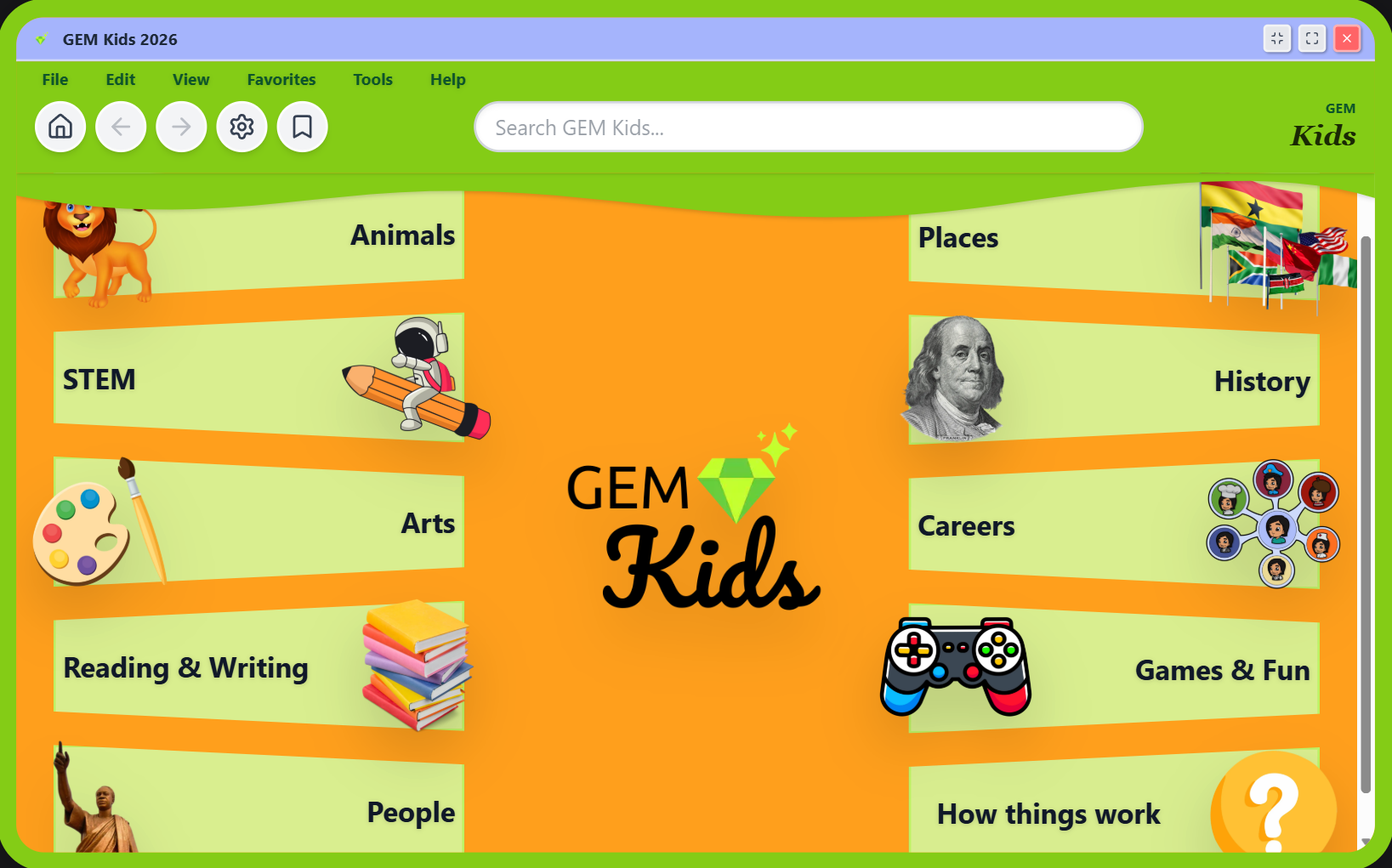
Gem Kids Homepage Interface

Explore 10 Interactive Categories
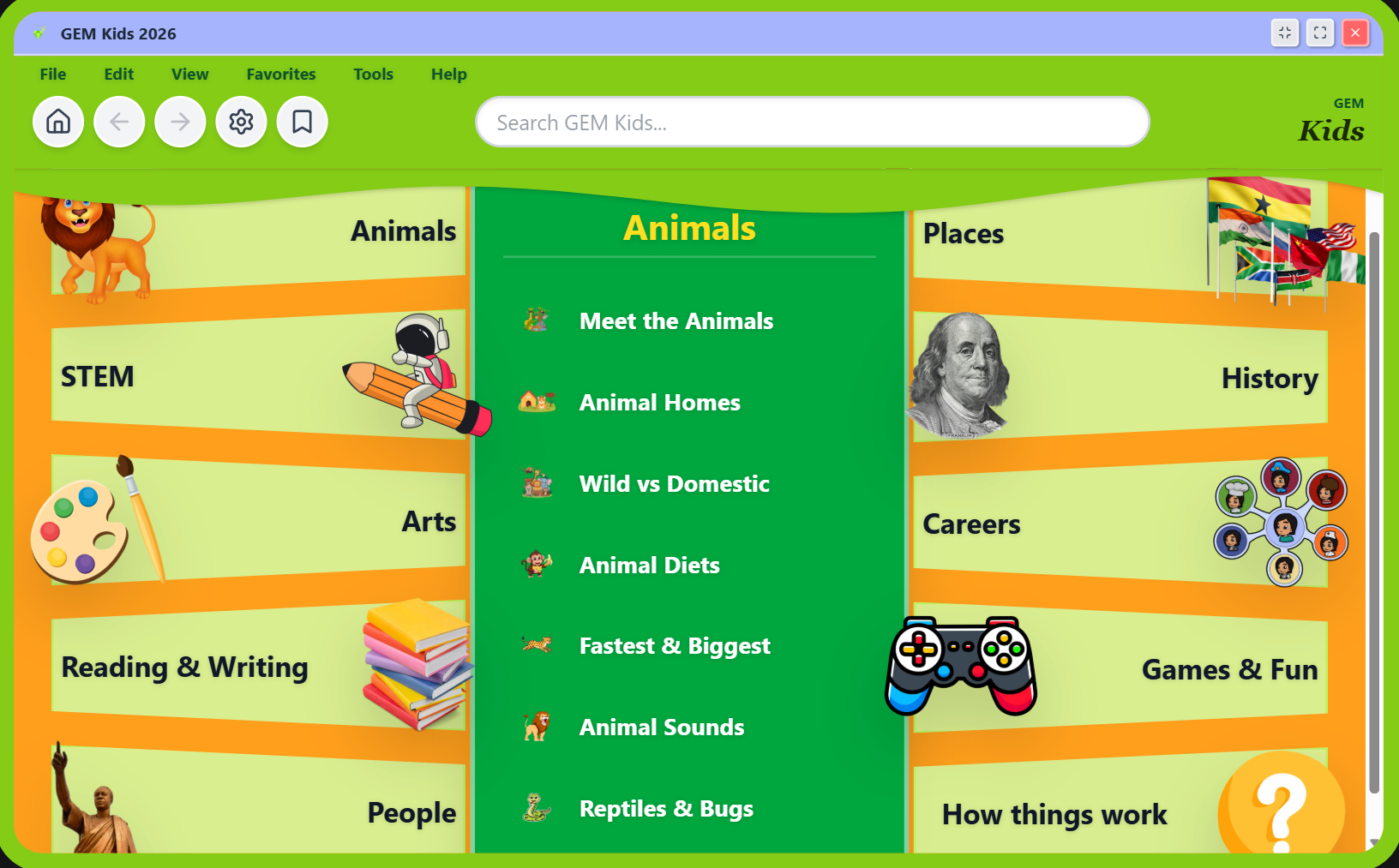
Animals Category Thumbnail
Animals
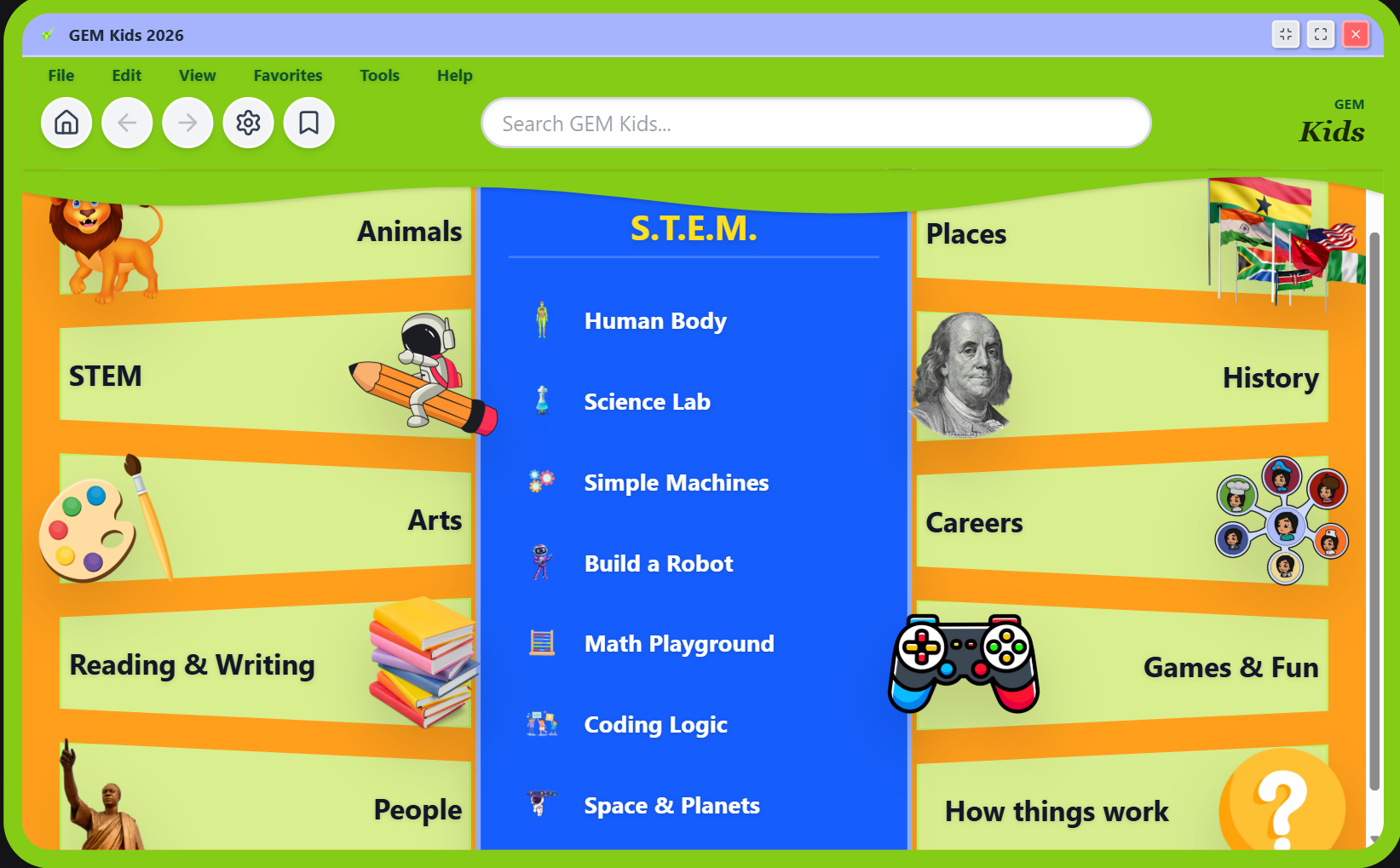
STEM Category Thumbnail
STEM
Art Category Thumbnail
Art
Reading & Writing Category Thumbnail
Reading & Writing
People Category Thumbnail
People
Places Category Thumbnail
Places
History Category Thumbnail
History
Careers Category Thumbnail
Careers
Games & Fun Category Thumbnail
Games & Fun
How things Work Category Thumbnail
How things Work

About the App

Gem Kids is a highly interactive, beautifully designed digital encyclopedia built to make learning effortless and engaging. Curated specifically for young, curious minds, it spans 10 comprehensive categories—from the depths of the ocean to the far reaches of space.

Version 1.0 brings vibrant visuals, intuitive navigation, and easily digestible facts to create an environment where education feels like exploration. Designed perfectly for large screens while maintaining a flawless cross-platform mobile experience.

How to Install Gem Kids

Desktop (Recommended)

Gem Kids is perfectly optimized for desktop browsers. Simply click "Launch Web App" above and use it directly in your browser without any downloads required.

Android

Open the app link in Google Chrome. You will receive an automated prompt at the bottom of your screen asking to "Install App" or "Add to Home Screen".

iPhone & iPad

Open the app link in Safari. Tap the Share button at the bottom of the screen, scroll down the menu, and tap "Add to Home Screen".