
GEM OS
Private BetaThe Proprietary Workspace & Productivity Engine
About the App
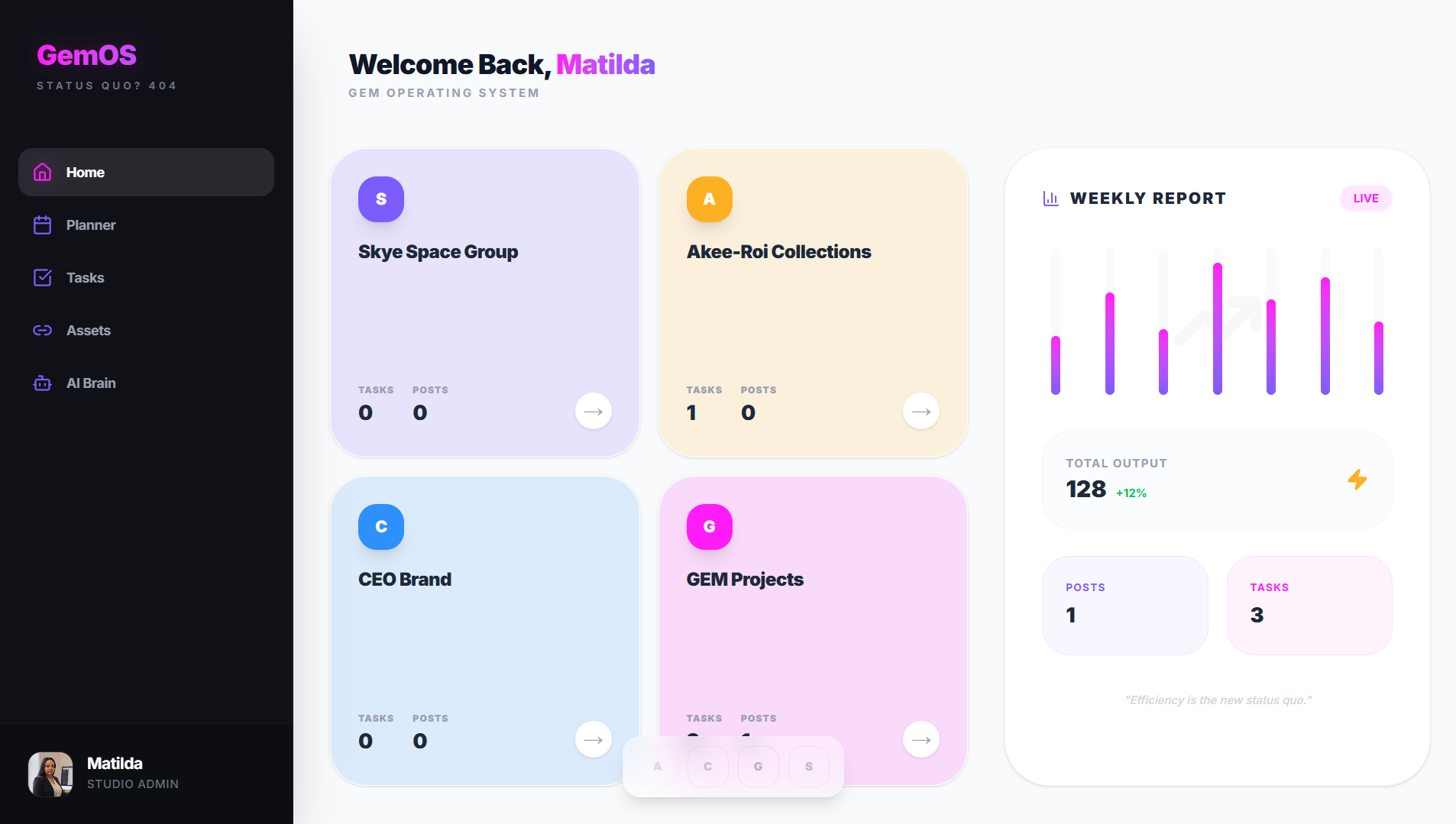
GEM OS is the proprietary internal operating system that powers GEM Studio. Built originally as a bespoke tool to track tasks, organize milestones, and manage the daily workflow of a solo tech founder, it has evolved into a powerhouse productivity engine.
Currently restricted to internal use, GEM OS features an intuitive, clutter-free interface designed to eliminate distractions and keep you ruthlessly organized.
A public release is currently in the works. If you are interested in testing the platform to manage your own tasks and projects, click "Request Access" above to join the waitlist.
How to Install GEM OS
Note: Installation requires an approved access link.
Desktop (Recommended)
GEM OS is perfectly optimized for desktop workflows. Simply click your secure access link and use it directly in your browser without any downloads required.
Android
Open your access link in Google Chrome. You will receive an automated prompt at the bottom of your screen asking to "Install App" or "Add to Home Screen".
iPhone & iPad
Open your access link in Safari. Tap the Share button at the bottom of the screen, scroll down the menu, and tap "Add to Home Screen".